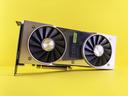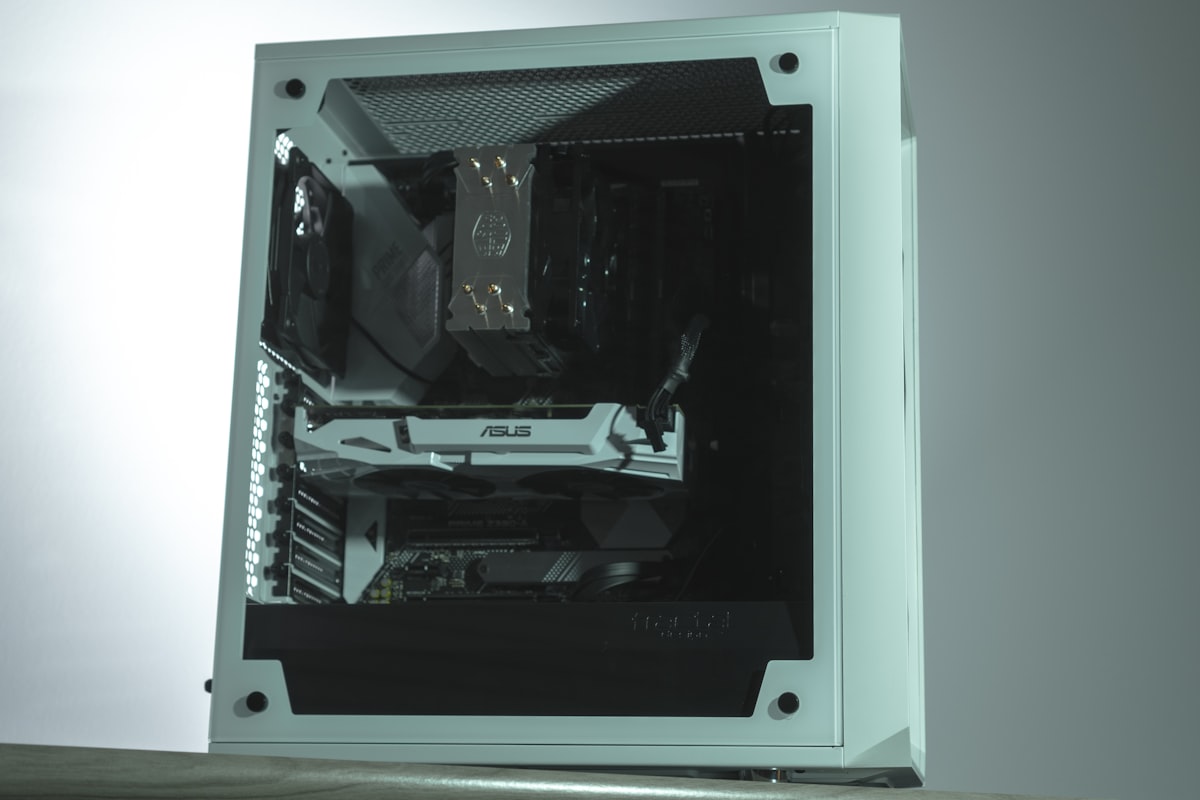


The RTX 3090 is the cheapest way to get 24 GB of VRAM with CUDA support. On the used market it costs a fraction of the 4090 while offering the same VRAM capacity. For builders who want to run larger models and cannot justify the cost of a new GPU, the 3090 is the entry ticket to 24 GB inference.
At 936 GB/s bandwidth it is slightly slower than the 4090 and 7900 XTX, but the difference in token generation speed is modest - typically 10-15% slower for the same model. You still get CUDA, you still get 24 GB, and the Ampere architecture supports Flash Attention and most quantization formats through llama.cpp and ExLlamaV2.
The main compromises are generational. Ampere lacks FP8 support (that is an Ada Lovelace and Blackwell feature), so you lose one potential speedup for quantized inference. The 3090 also draws 350 W and runs warm, especially on reference coolers. An aftermarket model with a good cooler is worth the small price premium on the used market.
If you are experimenting with local LLMs and want to see what 24 GB VRAM unlocks without spending GPU-launch money, the used 3090 is the lowest-risk option. It handles everything from 7B to 35B models on GPU, and even 70B models with partial offloading. Just make sure the card you buy has been tested and has clean VRAM.
Why It Wins
- -Cheapest 24 GB VRAM card with CUDA support
- -Runs all major inference frameworks without issue
- -Good enough bandwidth for comfortable inference speeds
- -Ampere architecture still well-supported
Skip If
- -No FP8 support - misses a quantization speedup
- -Ampere is two generations behind Blackwell
- -Runs warm; needs good case cooling
- -Used market risks: no warranty, potential wear